
Watch Swedish TV Abroad on Fire TV Stick: Setup Guide
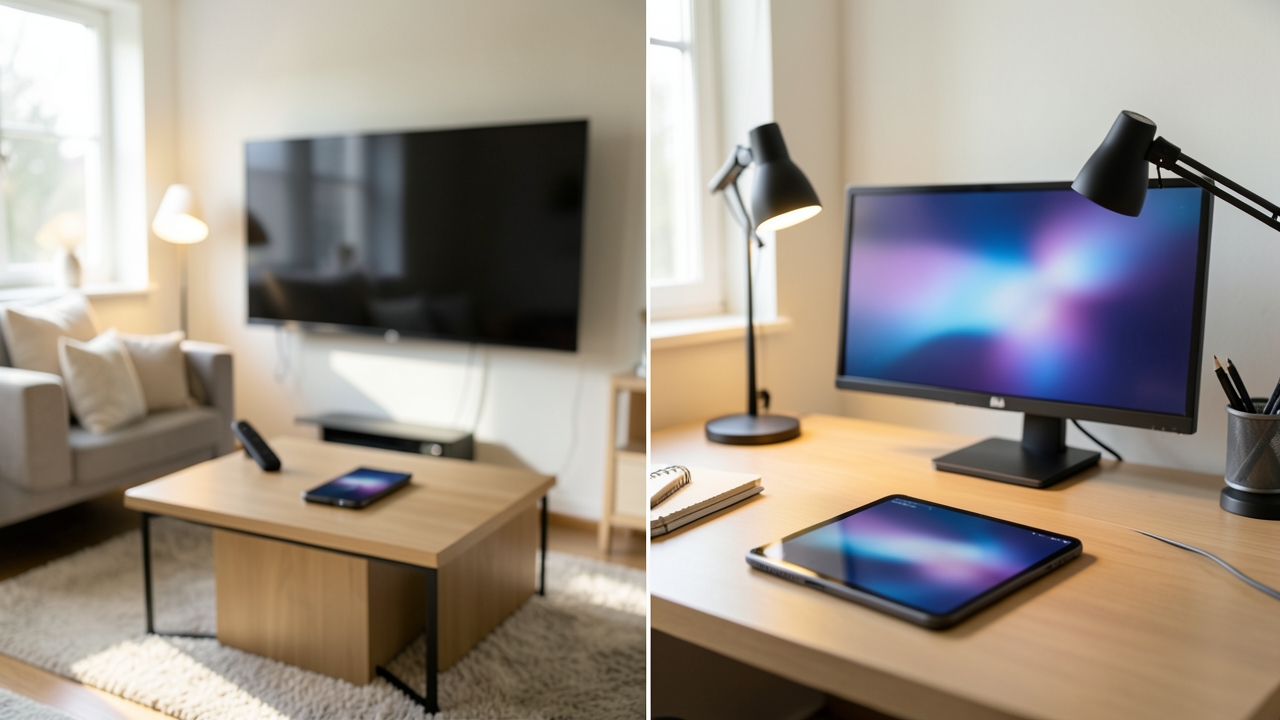
You can watch Swedish TV abroad on a Fire TV Stick by installing an IPTV player, entering your Sweden IPTV login (Xtream Codes or an M3U link) and letting the channel list and TV guide load. The stick then works on any TV with a free HDMI port and Wi-Fi, and you only have to do the setup once. This guide covers the exact steps, the settings that stop buffering, and how to pick a plan that fits one stick or a whole household.
What you need before you start
Nothing about the setup depends on where you live. There is no Swedish router, no Swedish box from an operator and no special hardware involved — the stick simply pulls the channel list and the on-demand library from the service over the internet.
- A Fire TV Stick — any recent model works. If you want the 4K streams, use a 4K or 4K Max stick and a 4K-capable TV.
- Wi-Fi, ideally the 5 GHz network, or a USB Ethernet adapter for the stick if the router is close enough to run a cable.
- An active subscription or free trial from Sweden IPTV, arranged on WhatsApp.
- Your login details — sent on WhatsApp after ordering, either as Xtream Codes (server address, username, password) or as a full M3U playlist link.
- An IPTV player app that accepts Xtream Codes or M3U. Install it before you start typing credentials.
How to watch Swedish TV abroad on Fire TV Stick, step by step
The order below matters, especially the time zone step. Doing it last means the TV guide shows programme times in the wrong zone and you spend an evening confused about why the evening news appears to start at 19:00 when you know it starts at 18:00 back home.
- Set up the stick itself. Plug it into an HDMI port, pair the remote, connect to your Wi-Fi and sign in with your Amazon account. Choose the 5 GHz network if your router broadcasts both.
- Set the time zone to Europe/Stockholm. Open Settings, go to the device or preferences menu and change the time zone. Menu names differ slightly between Fire OS versions, but the option is always there.
- Install an IPTV player. Search the Amazon App Store first. If your preferred player is not listed, install the Downloader app and side-load the player’s APK, following the developer’s own instructions for the download code.
- Open the player and choose the login type. Pick Xtream Codes API if you were sent a username and password, or M3U URL / playlist if you were sent a single long link. The MAG portal option is for MAG boxes, not for a Fire TV Stick.
- Enter the details exactly as sent. Copy the server address, username and password character by character. Trailing spaces are the most common mistake — the Fire TV keyboard adds them easily. Using the Fire TV app on your phone as a keyboard makes typing the long M3U link far quicker.
- Let the content load. The first import has to pull 25,000+ live channels and 26,000+ movies and series, so give it a minute or two and don’t press back while it works.
- Load the TV guide. Most players fetch the EPG automatically with an Xtream Codes login. Check the guide shows Swedish programme times; if it looks shifted, revisit the time zone in step 2.
- Test across categories and save favourites. Try a news channel, a sports channel, a film channel and a kids channel, then open one film from the on-demand library. Build a favourites list so nobody has to scroll the full line-up every evening.
Xtream Codes or M3U — which is better on a Fire TV Stick?
Use Xtream Codes if you have the choice. It is fewer characters to type, the guide usually populates on its own, and if the playlist is ever updated you don’t have to re-enter a long link. M3U is the fallback for players that only accept a playlist URL.
| Xtream Codes | M3U playlist | |
|---|---|---|
| What you type in | Server address, username, password | One long URL |
| TV guide | Usually loads automatically | Often needs a separate EPG URL |
| Typing effort on a remote | Low | High — use the phone keyboard |
| Best for | Fire TV Stick, Android boxes, phones | Players that only support playlists |
You are not locked into one format. If a player refuses the Xtream login but accepts playlists, ask support for the M3U link instead — it is the same subscription.
Getting the best picture quality on a Fire TV Stick
Streams are delivered in HD and Full HD, with 4K where the source provides it. What you actually see depends on three things: the stick, the network and the player settings.
- Match the stick to the TV. A 4K or 4K Max stick on a 4K TV gives you the sharpest output. An older HD stick still plays HD and Full HD fine, but it will not output 4K.
- Prefer 5 GHz Wi-Fi or Ethernet. Stability matters more than headline speed. If other devices in the house stream without problems, the stick will too — but a weak 2.4 GHz signal in a back bedroom is a common cause of stutter.
- Turn on hardware decoding in the player’s playback settings. It offloads work to the stick’s video chip and makes zapping between channels noticeably quicker.
- Increase the buffer if your player offers a buffer size setting. A slightly larger buffer trades a fraction of a second of delay for far fewer interruptions.
- Give it a minute. The first 30–60 seconds of a new channel often look soft while the stream settles. Judge quality after that, not immediately.
Fixing common Fire TV Stick problems abroad
The picture freezes every few minutes
This is almost always the local network, not the subscription. Move the stick closer to the router or switch to 5 GHz, pause any downloads on the same network, and raise the buffer in the player. If only one channel stutters while others are fine, it is the feed rather than your setup — try the same channel a little later.
“Invalid username or password”
Re-type the credentials slowly and check for a trailing space at the end of the username or server address. Copy the password exactly, including capital letters. If the login still fails after two careful attempts, send a screenshot to support on WhatsApp rather than guessing repeatedly.
The channel list loads but the guide is empty
Either the EPG has not finished downloading yet, or the time zone on the stick is wrong. Set the stick to Europe/Stockholm, then refresh the guide inside the player. Some players need you to press a refresh or update option in their settings menu.
Some categories are missing
Open the player’s settings and look for a group or category filter — many players hide whole categories until you enable them. If the category is there but a specific channel won’t open, try the backup version of that channel if your player lists one.
The app closes or the remote feels sluggish
Restart the stick by holding the select and play buttons on the remote, or unplug it for a few seconds. Clearing the player’s cache in the Fire TV app settings also helps after weeks of heavy use.
Which Sweden IPTV plan fits a Fire TV Stick?
A standard subscription covers one connection, which means one stream at a time. That is perfect for a single TV with one stick. If two people want to watch different channels in different rooms at the same moment, you need two connections — either two subscriptions or a multi-device lifetime plan.
| Plan | Price | Good for |
|---|---|---|
| 1 month | €10.99 | Testing the setup on your stick before committing |
| 3 months | €25.99 | A season or a longer stay abroad |
| 6 months | €39.99 | Half a year without renewals |
| 12 months | €59.99 | Most popular — lowest monthly cost of the short plans |
| 24 months | €99.99 | Set it and forget it for two years |
There are also lifetime plans paid once: €289 for one device, €416 for two, €543 for three, €670 for four and €797 for five. For a household with a stick in the living room and another in a bedroom, the two-device lifetime option is usually the simpler answer than juggling two separate subscriptions.
If you are unsure, start with the 1-month plan and confirm everything works on your TV, your Wi-Fi and your viewing habits. Once you know you’ll keep it, the 12-month plan works out considerably cheaper per month.
Taking the same stick to another country
One of the practical advantages of a stick over a satellite dish is portability. Unplug it, put it in your bag, and plug it into the TV in a rental flat, a hotel room or a family home — the player, login and favourites are all still there.
The only thing to sort out is the local Wi-Fi. Hotel and guest networks often open a sign-in page before granting access, and the Fire TV Stick will prompt you with a browser step for that. If the Wi-Fi is slow or locks you out, running a hotspot from your phone gets you watching within a minute.
Frequently asked questions
Do I need a 4K Fire TV Stick to watch Swedish channels abroad?
No. A standard HD stick plays HD and Full HD streams perfectly well. Choose a 4K or 4K Max model only if you have a 4K TV and want to take advantage of the 4K streams where the source provides them.
Can I set up Swedish TV abroad on a Fire TV Stick without a subscription?
You need an active subscription or a free trial — the player app on its own has no channels. Request a trial or order on WhatsApp at +44 7956 154482, and the login details and setup steps arrive in the same chat.
Can I use the same login on my phone and the Fire TV Stick at once?
A standard subscription covers one connection, so watching on the phone while someone else watches on the stick will interrupt one of the streams. Add a second connection if two people regularly watch different things at the same time.
Will the Swedish TV guide show the right times while I’m abroad?
Yes, if the stick’s time zone is set to Europe/Stockholm. Set this before you load the guide, otherwise the schedule appears shifted by the local time difference and programmes look like they start at the wrong hour.
What internet speed do I need for a Fire TV Stick abroad?
Stable Wi-Fi matters more than a big number on your contract. If the connection handles video on other devices in the house, it will handle the stick. When in doubt, use 5 GHz Wi-Fi or a wired adapter, and avoid streaming over a congested shared network at peak times.
Set it up once, watch it anywhere
A Fire TV Stick, a player app and your Sweden IPTV login are all it takes to keep Swedish news, sport, film and kids channels within reach wherever you are. Do the time zone step first, use Xtream Codes rather than a long playlist link, and keep the buffer generous — those three details prevent most of the problems people run into.
Ready to start? Compare every subscription and lifetime option on the pricing page, or message the team on WhatsApp at +44 7956 154482 for a free trial and help with your first install. More setup and viewing guides are on the Sweden IPTV blog, and you can reach support any time through the contact page.